v0.4.0
This is a major release implementing a proper monorepo + package-based distribution model, implemented by @andrzejewsky. Great job, Patryk!
This release is a breaking change - please check the migration guide before installing it.
Video release notes:
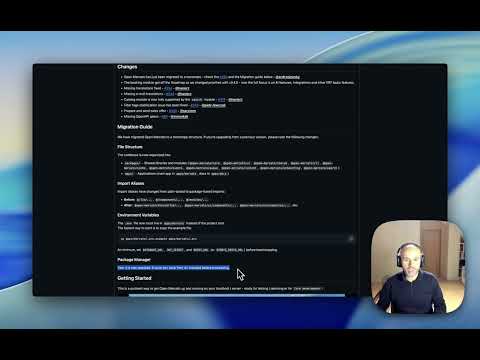
Changes
- Open Mercato has just been migrated to a monorepo - check the #294 and the Migration guide below - @andrzejewsky
- The booking module got off the Roadmap as we changed priorities with v0.4.0 - now the full focus is on AI features, Integrations and other ERP basic features.
- Missing translations fixed - #354 - @haxiorz
- Missing e-mail translations - #344 - @haxiorz
- Catalog module is now fully supported by the
searchmodule - #314 - @haxiorz - Filter tags stabilization issue has been fixed - #303 - @piotr-lewczuk
- Prepare and send sales offer - #340 - @sarzixon
- Missing OpenAPI specs - #80 - @simonkak
Migration Guide
We have migrated Open Mercato to a monorepo structure. If you're upgrading from a previous version, please note the following changes:
File Structure
The codebase is now organized into:
packages/- Shared libraries and modules (@open-mercato/core,@open-mercato/ui,@open-mercato/shared,@open-mercato/cli,@open-mercato/cache,@open-mercato/events,@open-mercato/queue,@open-mercato/content,@open-mercato/onboarding,@open-mercato/search)apps/- Applications (main app inapps/mercato, docs inapps/docs)
**Important note on storage: ** The storage folder has been moved to the apps/mercato folder as well. If you instance has got any attachments uploaded, please make sure you run:
mv storage apps/mercato/storage
from the root Open Mercato folder.
Import Aliases
Import aliases have changed from path-based to package-based imports:
- Before:
@/lib/...,@/components/...,@/modules/... - After:
@open-mercato/shared/lib/...,@open-mercato/ui/components/...,@open-mercato/core/modules/..., etc.
Environment Variables
The .env file now must live in apps/mercato instead of the project root.
The fastest way to start is to copy the example file:
cp apps/mercato/.env.example apps/mercato/.env
At minimum, set DATABASE_URL, JWT_SECRET, and REDIS_URL (or EVENTS_REDIS_URL) before bootstrapping.
Package Manager
Yarn 4 is now required. Ensure you have Yarn 4+ installed before proceeding.
Getting Started
This is a quickest way to get Open Mercato up and running on your localhost / server - ready for testing / demoing or for Core development!
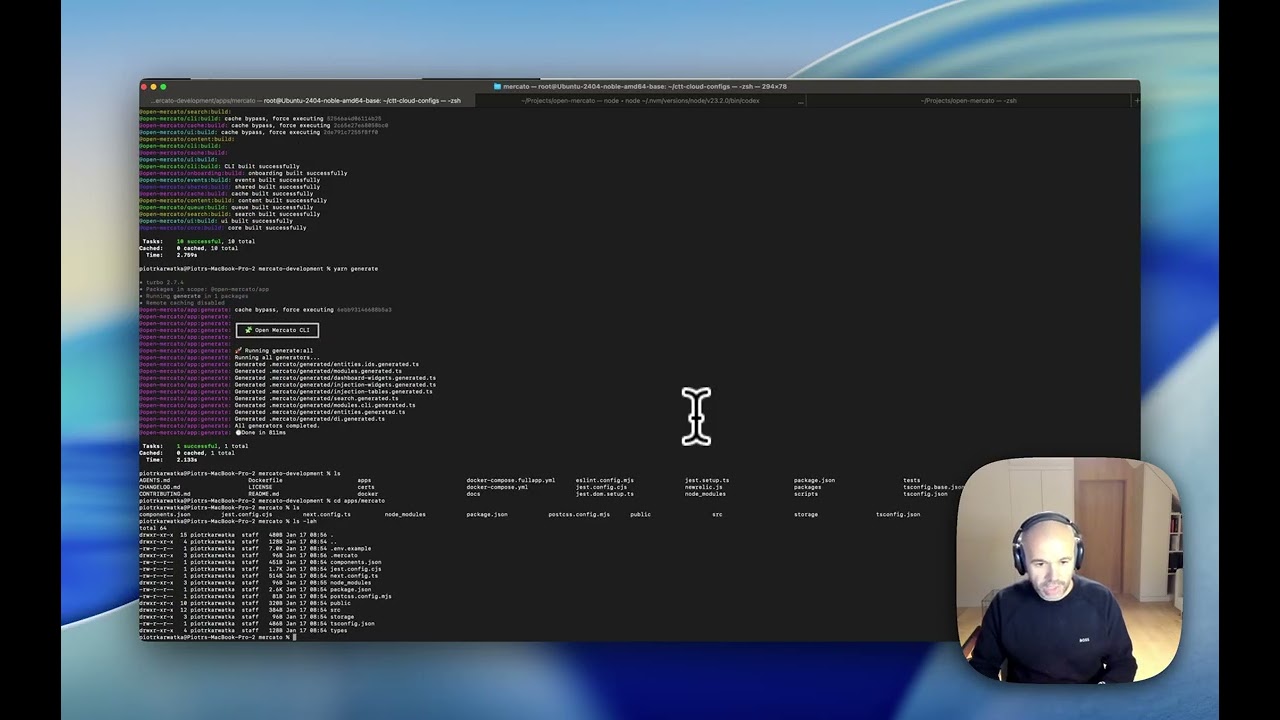
Quick Start (Monorepo)
Prerequisites: Yarn 4+
git clone https://github.com/open-mercato/open-mercato.git
cd open-mercato
git checkout develop
yarn install

cp apps/mercato/.env.example apps/mercato/.env # EDIT this file to set up your specific files
#At minimum, set `DATABASE_URL`, `JWT_SECRET`, and `REDIS_URL` (or `EVENTS_REDIS_URL`) before bootstrapping.

yarn build:packages
yarn generate
yarn initialize # or yarn reinstall
yarn dev